

What is a topic?
A topic is a subject area you picked when you set up your workspace. It groups prompts that share a theme. Every prompt belongs to one topic. So a topic is a big bucket, and your prompts live inside it.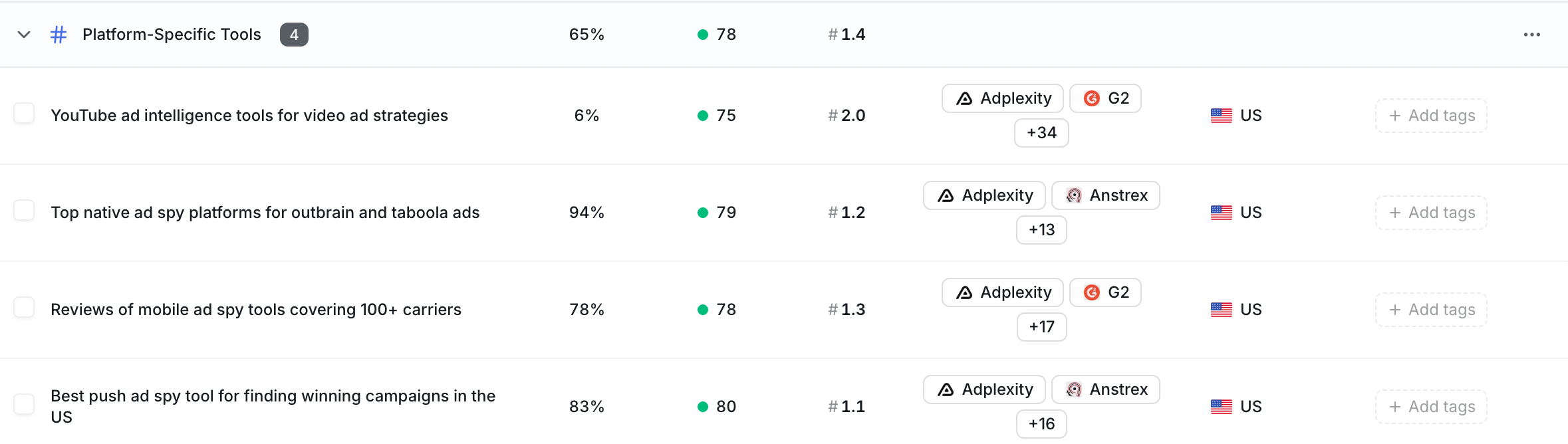
What is a tag?
A tag is your own label. You make up the word, then stick it on any prompt you want. A prompt can have many tags at once. And one tag can sit on many prompts. So tags are a flexible way to mark prompts however you like.When do I use each one?
Pick based on the job you want done.
Here is the simple rule: a prompt has one topic, but it can have many tags.
Short examples
- Topic: “Running shoes” groups every prompt about running shoes.
- Tag: “holiday-2026” marks the prompts you care about this season.
- Tag: “high-value” marks the prompts that matter most to sales.
Filter your results by topic
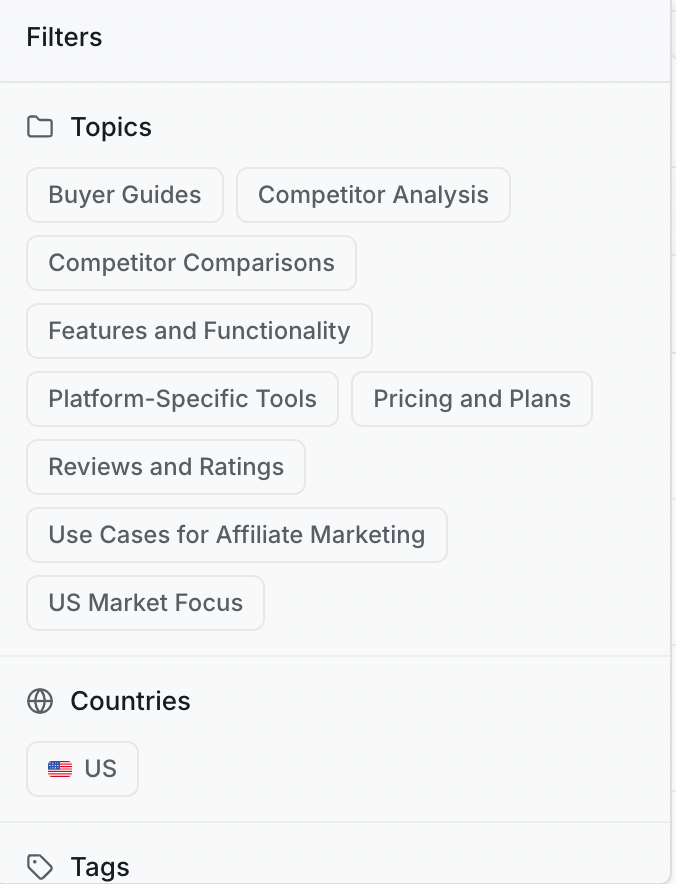
Topics make your dashboards and scores easier to read. You can filter them by one topic at a time. For example, you can filter your visibility score (the share of AI answers that mention your brand) by topic. That way you see how you show up for just running shoes, not everything at once.1
Open a results page
Go to your overview dashboard or a score page in the app.
2
Pick a topic
Choose a topic from the filter at the top of the page.
3
Read the focused view
Now the numbers only count prompts inside that topic.
Manage your tags
You manage tags on the Tags page in the app. From there you can:- Create a new tag.
- Attach a tag to one or more prompts.
- Remove a tag from a prompt when you no longer need it.
Keep going
Add and edit prompts
Choose the questions ZeroRank asks AI engines every day.
Read your visibility score
See how often AI answers mention your brand.