

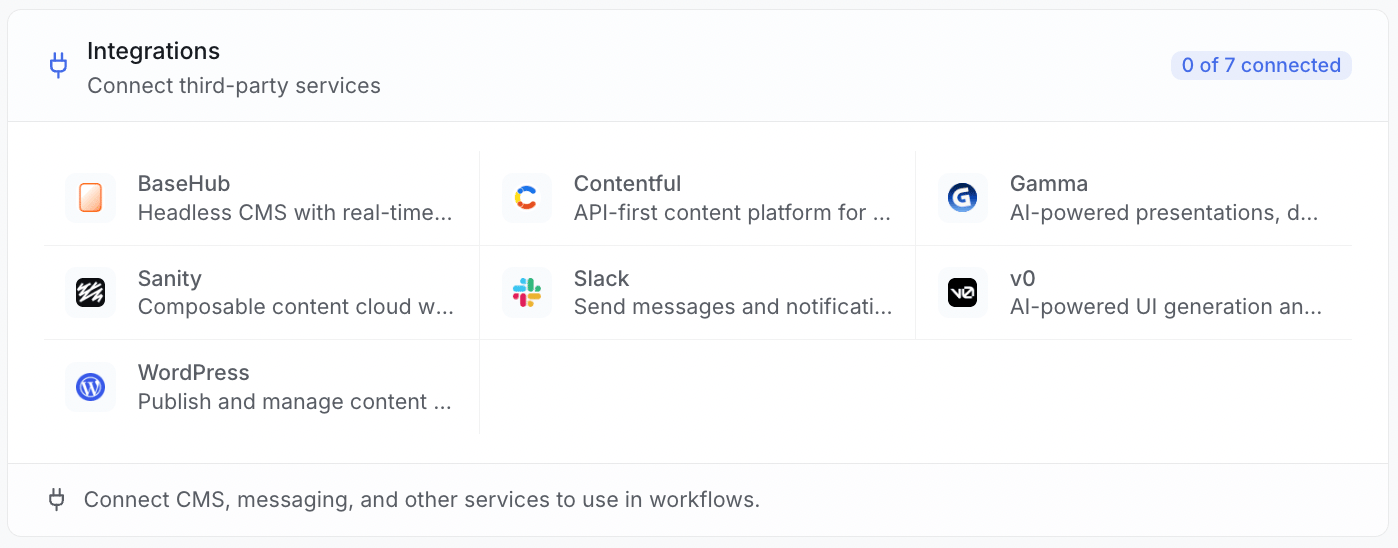
Connections are shared by your whole team
Every connection lives at the workspace level. That means you connect a tool once, and everyone in your workspace can use it. You do not each need your own login. One member sets it up, and the whole team is ready to go.A workspace is your shared team space in ZeroRank. Members in the same workspace share connections, prompts, and results.
Where to connect a tool
You set up connections from your workspace settings.1
Go to Workspace, then Integrations
Open the Workspace tab and find the Integrations section.
2
Pick a provider
Click the tile for the tool you want, like Slack or WordPress.
3
Connect account
Click Connect account and follow the steps for that tool.
Two ways to connect
How you connect depends on the tool. Some use a one-click sign-in. Others ask you to paste a key.- One-click sign-in
- Paste a key
These tools let you sign in with a popup. You approve the connection there, and ZeroRank gets the access it needs. There are no keys to copy.
- Slack
- Contentful
Check that a connection is healthy
ZeroRank tests every connection the moment you save it. This tells you right away if something is wrong. Each connection shows its health:- Active — the connection is turned on and ready to use.
- Verified — the last test worked and the tool answered.
- Last error — if a test failed, this shows what went wrong.
Where connections get used
After a tool is connected, it shows up in two places:- Workflow steps — a workflow can use a connected tool, like sending a message to Slack.
- Content publishing — when ZeroRank creates content, it can publish to a connected site like WordPress.
Keep going
WordPress
Connect a WordPress site to publish articles.
Other CMS tools
Connect Contentful, Sanity, BaseHub, and more.
Slack and AI tools
Send messages and link AI helpers like v0 and Gamma.
MCP server
Let your AI assistant read your ZeroRank data.
ZeroRank API
Read results and manage your data from your own code.